 Everlens
One album instead of ten chats
No more asking around the next day. Friends and family all use the same code, and every shot lands in one place.
For birthday parties
Put one QR code on the table. Your guests shoot the party on their own phones, and every photo ends up in one album for you.
Create Your Event4.7 on the App Store No sign-up required
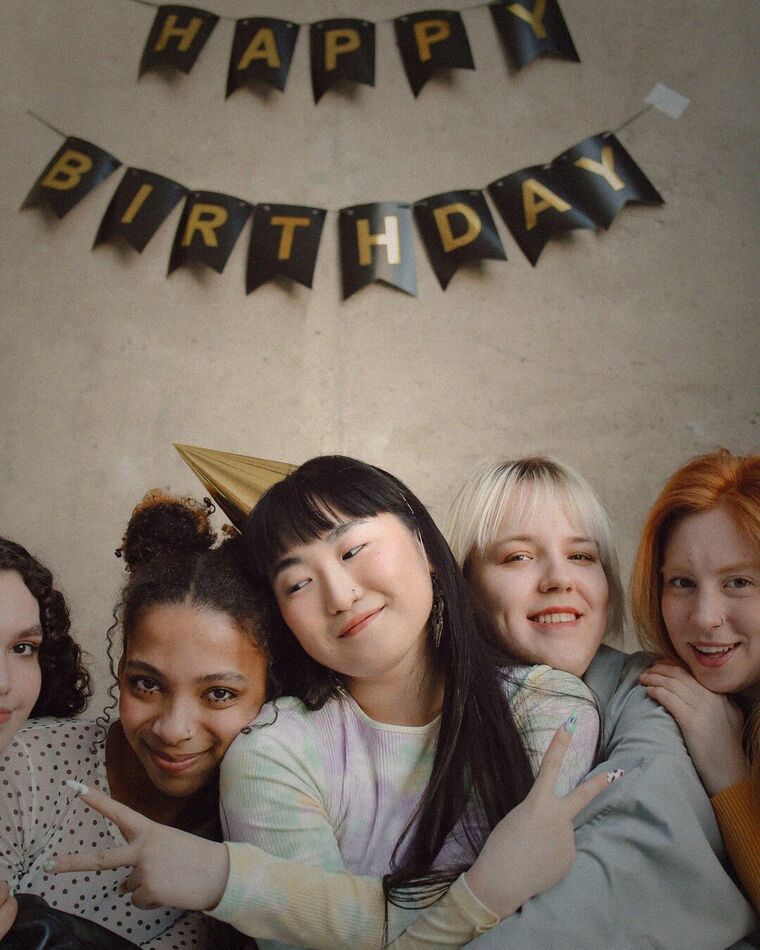
No more asking around the next day. Friends and family all use the same code, and every shot lands in one place.
It's your party. Let your guests do the shooting and see what the night looked like from every side of the room.
Photos stay hidden until you reveal them, so the next day comes with a second round of laughs.
Pick the date and how many photos each guest gets, then share the code. You can do it the day of the party.
Name it, pick the end date and choose how many photos each guest gets. It takes about a minute.
Go live, then put the code on tables, in the invite or on a screen. Guests scan it and start shooting.
The next morning or whenever you like, reveal the album and everyone's shots appear together.
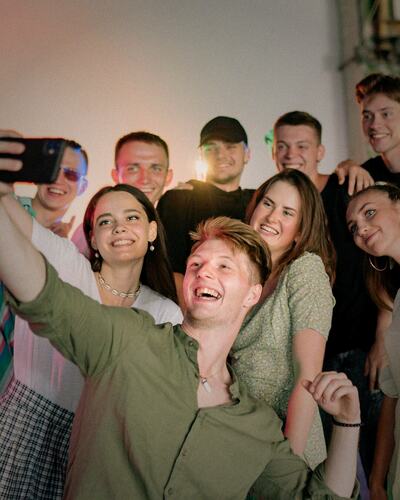

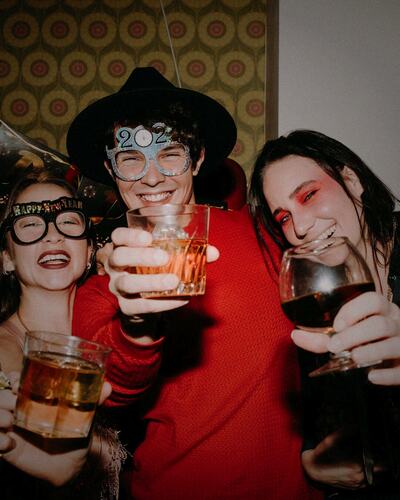
You choose the number when you create the event. Each guest then has that many shots.
Once you reveal the event, guests open the same link again to see the gallery and save the shots they like.
No. On iPhone, the QR code opens an instant App Clip. On every other phone, it opens in the browser. The camera opens straight away, with nothing to download and no sign-up. Only the host uses the app.
There is no subscription. The free tier covers small gatherings, and larger events use a one-time package. Guests never pay.
Set up your event in about a minute. Your guests do the rest.
Create Your EventRead more