 Everlens
Private by default
Photos belong to your event. They aren't public, and search engines don't index them. Only the host and, if you allow it, the other guests can see them.
For bachelorette parties
One QR code for the whole group. Everyone shoots all weekend, nothing lands in the group chat, and the album opens when you say so.
Create Your Event4.7 on the App Store No sign-up required
Photos belong to your event. They aren't public, and search engines don't index them. Only the host and, if you allow it, the other guests can see them.
As the host, you can view every photo before the reveal and remove anything that shouldn't make the album.
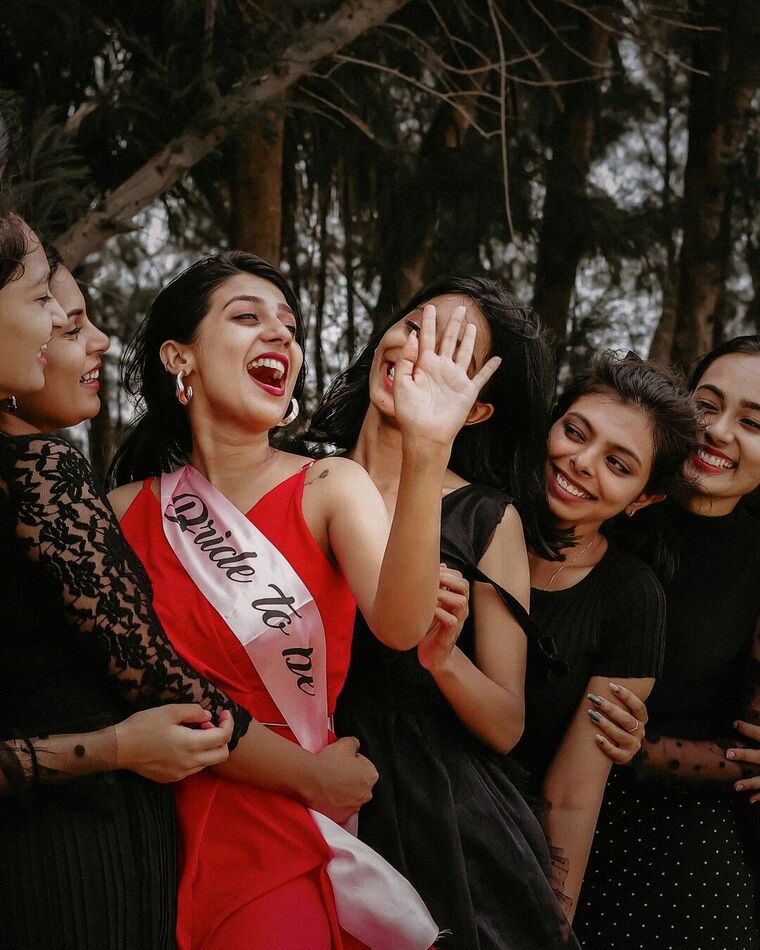
When the whole group has a camera, nobody spends the weekend behind the lens, and the bride isn't the only one in the shots.
You pick how many photos each guest gets. Like a real disposable, people think a little and shoot the moments that count.
Name it, pick the end date and choose how many photos each guest gets. It takes about a minute.
Go live, then put the code on tables, in the invite or on a screen. Guests scan it and start shooting.
At brunch, on the way home or a week later: you choose when to reveal the album.

Yes. You set the end date when you create the event, and you can change it anytime.
Only people in your event. Photos are visible to the host and, depending on your settings, to the other guests, and only after you reveal the roll.
No. On iPhone, the QR code opens an instant App Clip. On every other phone, it opens in the browser. The camera opens straight away, with nothing to download and no sign-up. Only the host uses the app.
There is no subscription. The free tier covers small gatherings, and larger events use a one-time package. Guests never pay.
Set up your event in about a minute. Your guests do the rest.
Create Your EventRead more